The AI Coding Revolution: How to Build Your Next Project at Half the Cost
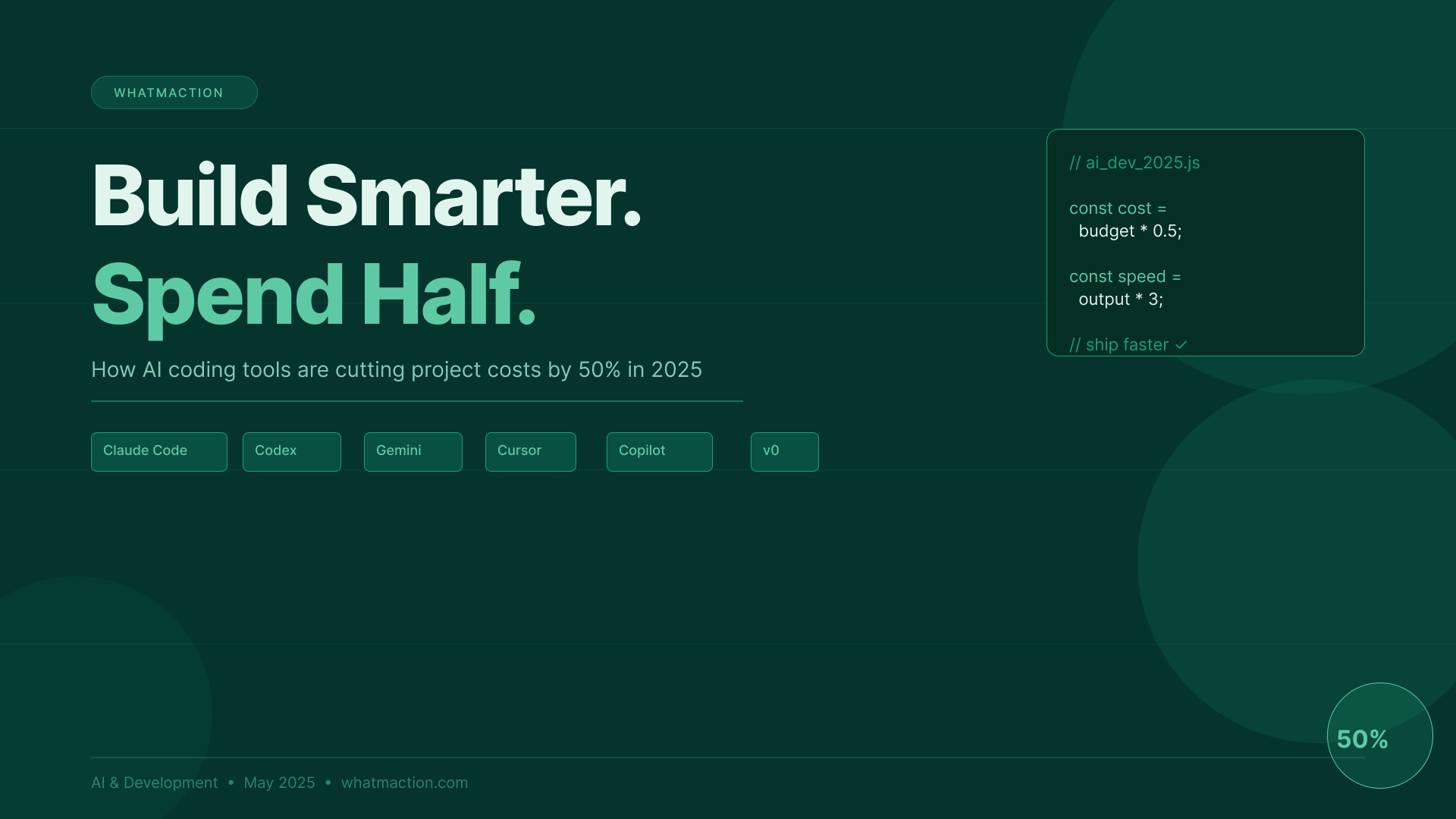
There is a quiet revolution happening inside every software project being built today. It does not announce itself loudly, but its effects are impossible to ignore: development timelines are shrinking, budgets are dropping, and small teams are delivering work that would have required entire departments just three years ago. The catalyst is artificial intelligence — specifically, a new generation of AI coding tools that have fundamentally changed what it costs to build software.
If you have received a development quote recently and it felt lower than you expected, this is why. And if your last quote still felt expensive, you may not have been working with the right team. In 2025, there is no reason to pay 2022 prices for software development. The tools have changed. The timelines have changed. And if you understand how this shift works, you can make sure your budget reflects it too.
This article will walk you through everything you need to know — the tools driving this change, the real economics behind them, and a practical guide to ordering your next project at the price it should actually cost.
What Has Actually Changed
Software development has always been expensive for one simple reason: it is labour-intensive. Writing code requires skilled people to sit down and translate ideas into precise, logical instructions that a computer can execute. That process — from understanding requirements to writing, testing, debugging, and shipping — has historically consumed hundreds or thousands of hours on any meaningful project.
AI has not eliminated that process. What it has done is automate the most repetitive, time-consuming parts of it.
Think about what a developer actually does in a typical workday. A significant portion — estimates from various studies suggest between 40 and 70 percent — involves writing code that is essentially predictable. Standard database queries. Boilerplate API integrations. UI components that follow established patterns. Authentication flows. Error handling. Test cases. Documentation. None of this requires deep creative problem-solving; it requires knowing the patterns and typing them out correctly.
This is exactly what AI coding tools do, and they do it at a speed no human can match. A developer using an AI assistant can generate a working authentication system in minutes. A full CRUD (create, read, update, delete) interface for a database — work that might once have taken a day — can be scaffolded in under an hour. What remains for the human developer is the genuinely creative and judgement-heavy work: architecture decisions, business logic, edge case handling, quality review.
The result is that the same developer who once delivered a feature in five days can now deliver it in two. That compression does not just save time — it saves money, and those savings should be passed directly to clients.
The Tools Leading the Change
Understanding which tools are reshaping the industry helps you ask better questions when you hire developers and evaluate whether a team is actually using modern workflows.
Claude Code is Anthropic’s agentic coding tool, designed to work directly from the terminal and interact with an entire codebase rather than just individual snippets. Unlike earlier AI coding assistants that could only help with isolated blocks of code, Claude Code understands the full context of a project — the file structure, the dependencies, the existing logic — and can make changes across multiple files simultaneously. It is particularly powerful for complex refactoring, bug tracking across large codebases, and handling multi-step engineering tasks end-to-end.
OpenAI Codex was one of the earliest tools to demonstrate that AI could generate functional code from natural language descriptions, and its successor models underpin much of GitHub Copilot’s capabilities. Its strength lies in code generation from clear prompts, making it well-suited to developers who want to describe what they need in plain English and get working code in return.
Google Gemini brings multimodal capability to coding assistance, meaning it can work with images, diagrams, and text simultaneously. For developers building interfaces or working from design files, Gemini can interpret visual inputs and translate them into code — a powerful workflow for front-end development where translating designs into functional components is a major time sink.
GitHub Copilot remains the most widely adopted AI coding tool in the industry because of its deep integration with Visual Studio Code and other popular editors. It works as an intelligent autocomplete engine, predicting not just the next line but entire functions and blocks of code as the developer types. For teams already using GitHub, it integrates seamlessly into existing workflows without requiring any changes to tooling or processes.
Cursor takes a different approach: rather than being a plugin for an existing editor, it is an entirely AI-native code editor. Its distinguishing feature is the ability to have a natural language conversation about your codebase and receive targeted edits, explanations, and suggestions in real time. Many developers describe switching to Cursor as one of the most significant productivity leaps they have experienced.
v0 by Vercel and Lovable represent the newest frontier: AI tools that can generate fully functional front-end interfaces from text descriptions or rough sketches. Describe a dashboard, a landing page, or a form, and these tools produce production-ready React code. For projects where the user interface is a major deliverable, these tools can compress weeks of front-end work into hours.
The Real Economics: Why Projects Should Cost Less
The cost reduction that AI tools enable is not marginal. When a developer’s productive output doubles or triples on certain categories of work, the economics of a project change substantially.
Consider a typical mid-sized web application project: a business platform with user authentication, a dashboard, data management features, API integrations, and a mobile-responsive front end. Historically, this might have required 400 to 600 hours of development time across a team. With modern AI tooling used throughout the workflow, experienced developers are completing equivalent projects in 200 to 300 hours.
That is not an optimistic estimate — it is increasingly the baseline for teams that have genuinely adopted these tools rather than dabbling in them. The savings are most pronounced in front-end development, boilerplate setup, testing, and documentation. They are less pronounced in areas requiring deep architectural thinking or novel problem-solving, where the human developer’s expertise remains the primary driver.
The implication for clients is straightforward: a project that would have cost you 500,000 rupees in 2022 should now be achievable for somewhere between 250,000 and 350,000 rupees, depending on complexity and the specific developers involved. Any team quoting significantly above that range without a clear justification for the additional complexity should be pressed to explain where those hours are going.
How to Order Your Project at the Right Price
Knowing that savings are theoretically available is not enough. You need a practical approach to ensure those savings actually show up in your quote. Here is how to do it.
Start with AI-assisted scoping. Before you approach any developer or agency, spend time with Claude, ChatGPT, or Gemini to define your project clearly. Describe what you want to build, and ask the AI to break it down into specific features, modules, and technical requirements. This exercise serves two purposes: it sharpens your own thinking, and it produces a detailed brief that eliminates the back-and-forth clarification phase that often inflates early project costs. A developer who receives a precise brief does not bill you for the hours spent figuring out what you actually want.
Ask explicitly whether the team uses AI tools. This is now a reasonable and important qualification question. Ask which tools they use, how they integrate AI into their workflow, and whether their pricing reflects AI-accelerated timelines. A team that uses Cursor, Claude Code, and Copilot daily should be able to complete work faster than one that does not — and their pricing should reflect that. If a team is not using any AI tools in 2025, that itself is worth noting.
Separate the different types of work in your project. When reviewing a quote, ask the developer to break the estimate down by type of work. Standard setup, authentication, CRUD operations, and UI components that follow established patterns should be quoted at AI-accelerated rates. Custom business logic, unique algorithmic work, and novel integrations may legitimately require more time. Understanding this breakdown helps you identify where a quote is reasonable and where it might be inflated.
Request milestone-based billing. Rather than paying for time and materials without clear checkpoints, structure your contract around deliverables. AI tools enable developers to ship working features faster and in smaller increments. Milestone billing aligns with this workflow and gives you visibility into progress before committing to the next phase. It also reduces your risk: if the work is slower than expected, you have natural pause points to reassess.
Get at least three quotes, and treat them as a market signal. The software development market has repriced significantly over the past two years, and there is considerable variation between teams depending on whether they have adopted AI tooling. Getting multiple quotes is not just about finding the lowest price — it is about understanding what the current market rate actually is for your type of project. If one quote is dramatically higher than the others, ask specifically what drives the additional cost.
Verify the speed with a small paid test. For larger projects, consider commissioning a small, well-defined piece of work — a single feature or a prototype — before committing to the full engagement. How quickly the developer delivers, and the quality of what they produce, will tell you more about their actual workflow than any conversation about AI tools.
What This Means for Businesses in India
For businesses across India — whether startups in Bengaluru, SMEs in Ahmedabad, or enterprises in Mumbai — the AI coding revolution represents a particularly significant opportunity. Software development has often felt inaccessible to smaller businesses because of cost; a custom application was a major financial commitment that required careful justification.
That calculus has changed. The type of bespoke software that once required a dedicated development team for six months can increasingly be delivered by a smaller, AI-augmented team in six weeks. That means more businesses can afford to build the tools they actually need, rather than stretching to fit generic software that does not quite match their workflows.
It also changes the competitive dynamic for Indian development agencies and freelancers who serve international clients. The price advantage that Indian developers have traditionally offered is now amplified by AI tooling. A skilled developer in India using Claude Code and Cursor can deliver work at a speed and quality that makes the combination of expertise and cost genuinely compelling for clients anywhere in the world.
A Note of Honesty
This article has made a strong case for cost reduction, and that case is genuine. But it is worth being honest about what AI tools do not change.
They do not replace the need for experienced developers. An AI tool in the hands of a junior developer who does not understand the code it generates is a liability, not an asset. The greatest productivity gains come when capable, experienced developers use AI to remove tedious work — not when AI is used to substitute for genuine understanding.
They do not eliminate complexity in genuinely novel projects. Building something that has never been built before — a new algorithm, a unique data model, a complex real-time system — still requires deep expertise. AI accelerates the implementation once the architecture is figured out; it does not figure out the architecture for you.
And they do not guarantee quality without oversight. AI-generated code needs to be reviewed, tested, and understood by the developers responsible for it. Teams that ship AI output without proper review accumulate technical debt that creates expensive problems later.
What AI tools do, when used well, is make skilled developers significantly more productive on the work that represents the majority of most projects. And that is enough to justify expecting meaningfully lower costs on your next project.
The AI coding revolution is not coming — it is already here, and it has been reshaping project economics for the past two years. If you are planning a software project in 2025, you should be planning it with AI-era pricing in mind: detailed scoping, questions about tooling, milestone-based billing, and multiple quotes to calibrate your expectations.
The developers who are doing their best work right now are doing it with AI as a collaborator. The clients getting the best value are the ones who know how to ask for it. You now know how to ask.
Ready to plan your next project with AI-era pricing in mind? Plan my project ↗